
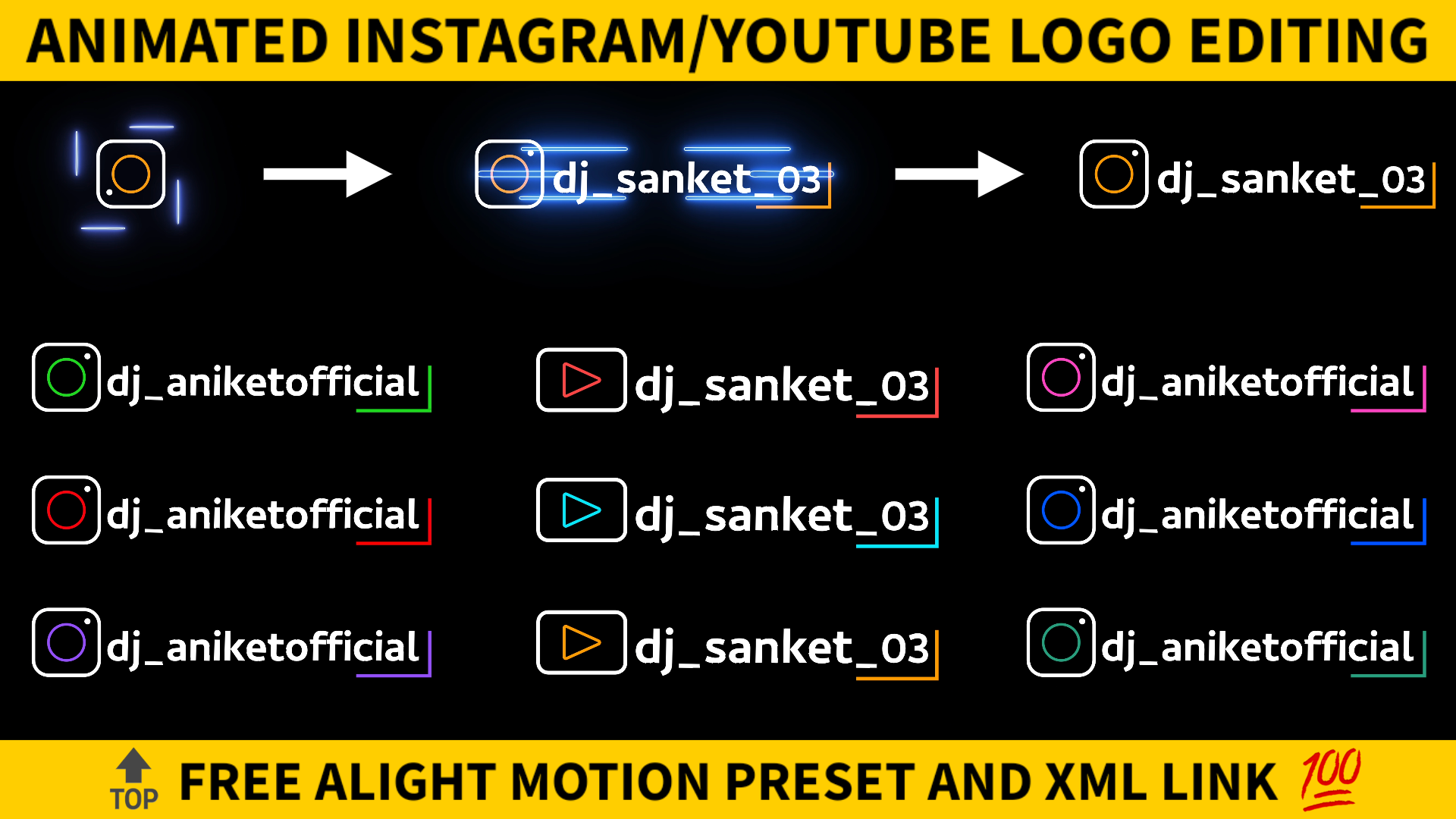
If you create and upload videos on social media like YouTube and Instagram then you definitely know the value of a logo. Basically a logo represents the identity of the creator. So it is necessary to have a professional logo. In today’s blog we are going to create animated logos for Instagram and YouTube. Editing this type of logo is very easy. If you also want to create a minimalistic animated logo then just follow the steps mentioned below. So without wasting let’s get started.
STEP 1
I have created the animated logo for you now you just need to edit them according to your needs. Firstly you need an editing application for that and the name of that application is alight motion. If you don’t have the alight motion application on your phone then you can download the latest version of alight motion by just clicking the downloadable link given below.
STEP 2
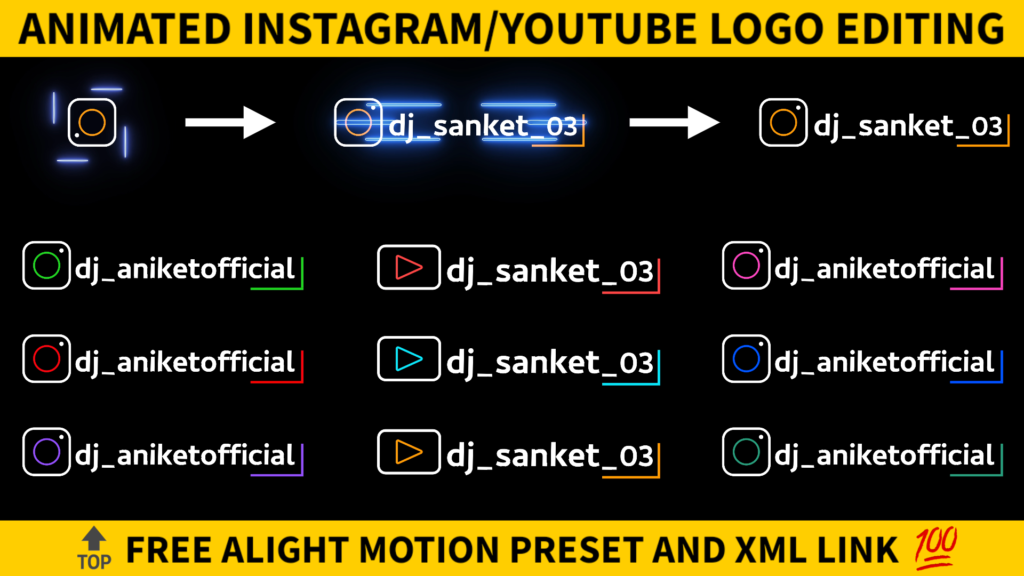
First we will talk about the animated logo for Instagram. I have mentioned the input link of the Instagram logo preset below. To make a minimalistic animated Instagram logo you just need to import the below Instagram logo preset. After importing the preset check the element present in that project.
STEP 3
You will get a text layer in this project so click on that and then select the edit text option. Now write your Instagram username here. You can also change the colour of your logo. To change the colour look into the layer of circle and the lines full stop if you want to change the colour of circle then select border and Shadow option and change the colour of stroke. Choose colour and feel options to change the colour of the line.
STEP 4
I have used the Combay Bolt name font for my both Instagram and YouTube logos. In case if you also want this type of text then you also need to import the same font in your alight motion application. For that firstly download the phone in your phone by clicking the below downloadable link. Now import this font in your alight motion application.
STEP 5
If you are interested in making a minimalistic animated logo for YouTube. Then import the below Youtube logo alight motion preset. This present is also similar to the Instagram logo preset. So I don’t think you need any further explanation to edit this project. You can also change the colour of your animated Youtube logo and for that you also perform the same thing which we have done in earlier steps.
STEP 6
You have made the animated logos for YouTube as well as for Instagram. Now the main thing that comes into rule is how to use these logos. To use these logos simply add it to your project and then select the blending and opacity option. Now apply the screen effect and you are done. Your videos are now with the professional logo.
STEP 7
If you face any problems regarding this video, then you can refer to my youtube video. Link is given below.
If you have any queries about today’s blog then feel free to share with us by using the comment box. We will try to solve your queries as early as possible. Thank you for your valuable time.
time.
I like video